Best Voice Assistants for Seniors (2026)
We analyzed thousands of reviews to find the most reliable, easy-to-use voice assistants for seniors. Whether you want a smart display for video calls or a simple speaker for voice commands, we have a recommendation for you.
Our Recommended Voice Assistants
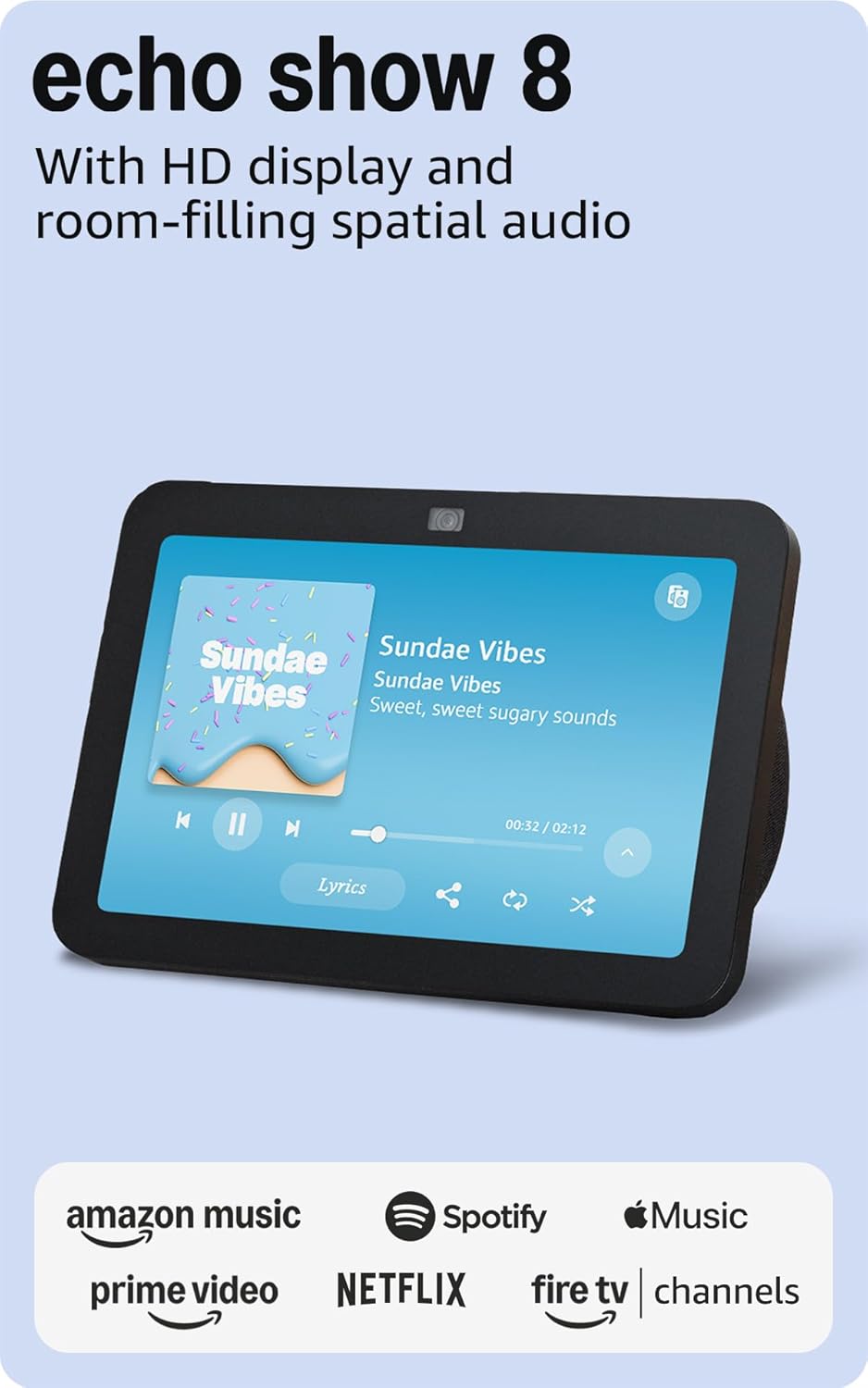
Amazon Echo Show 8 (3rd Gen)
Best for: Video calling and daily assistance
- 8-inch HD touchscreen perfect for video calls
- Drop In feature lets family check in easily
- Built-in smart home hub controls lights and devices
- Photo frame mode displays family pictures
Why people choose this: "My mom loves video calling the grandkids. The screen is big enough to see clearly and she just says 'Alexa, call Sarah.'"
Worth knowing: Requires Amazon account and Wi-Fi. Some features require Alexa subscriptions.
Check Price on Amazon As an affiliate, we earn from qualifying purchases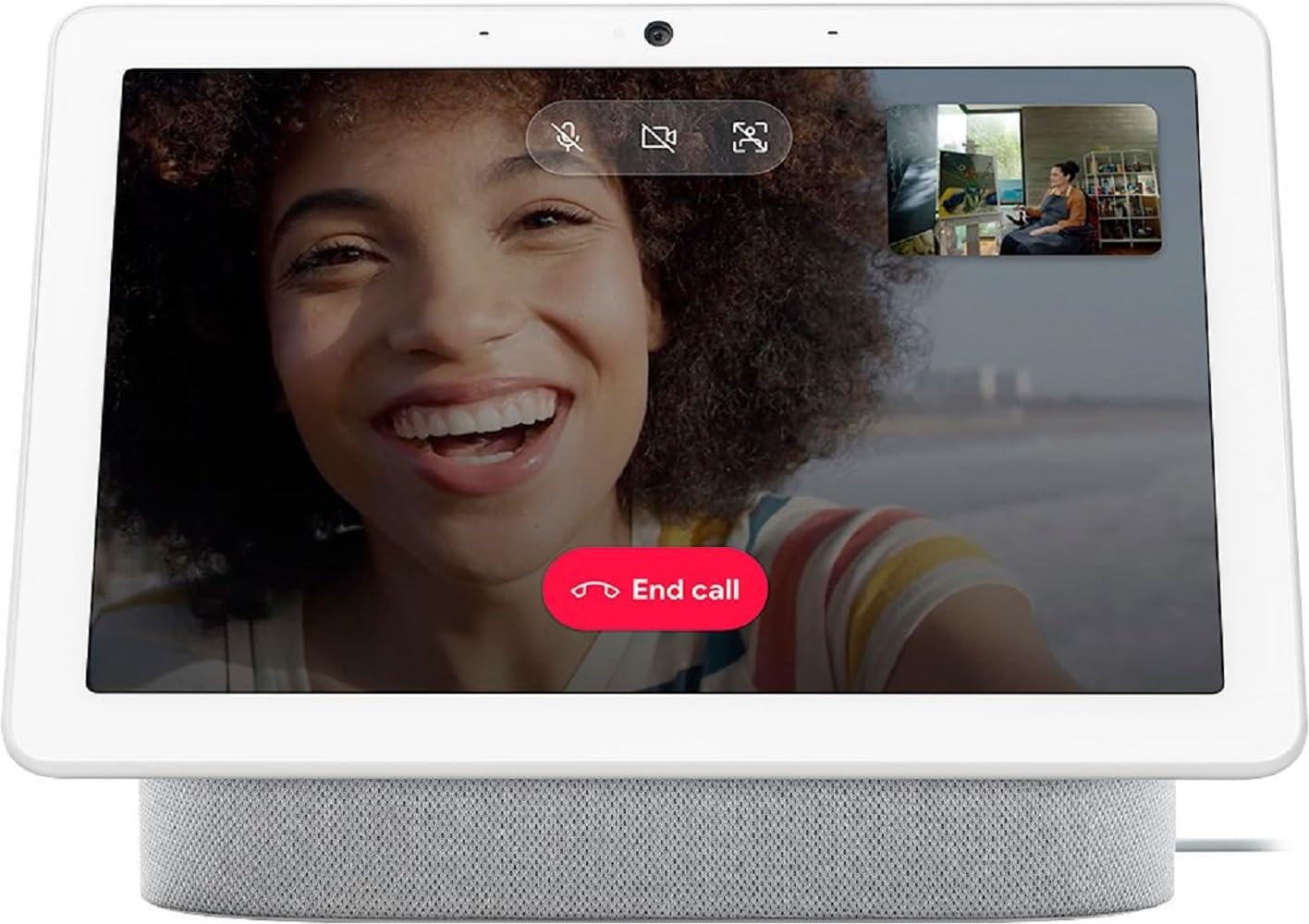
Google Nest Hub Max
Best for: Large display and Google Photos users
- 10-inch HD screen - largest in its class
- Automatic face recognition for personalized info
- Google Duo video calling built-in
- Displays Google Photos as digital frame
Why people choose this: "The big screen makes it easy for dad to see who's calling. The Google Photos slideshow is a hit."
Worth knowing: Requires Google account. Camera can be physically disabled for privacy.
Check Price on Amazon As an affiliate, we earn from qualifying purchases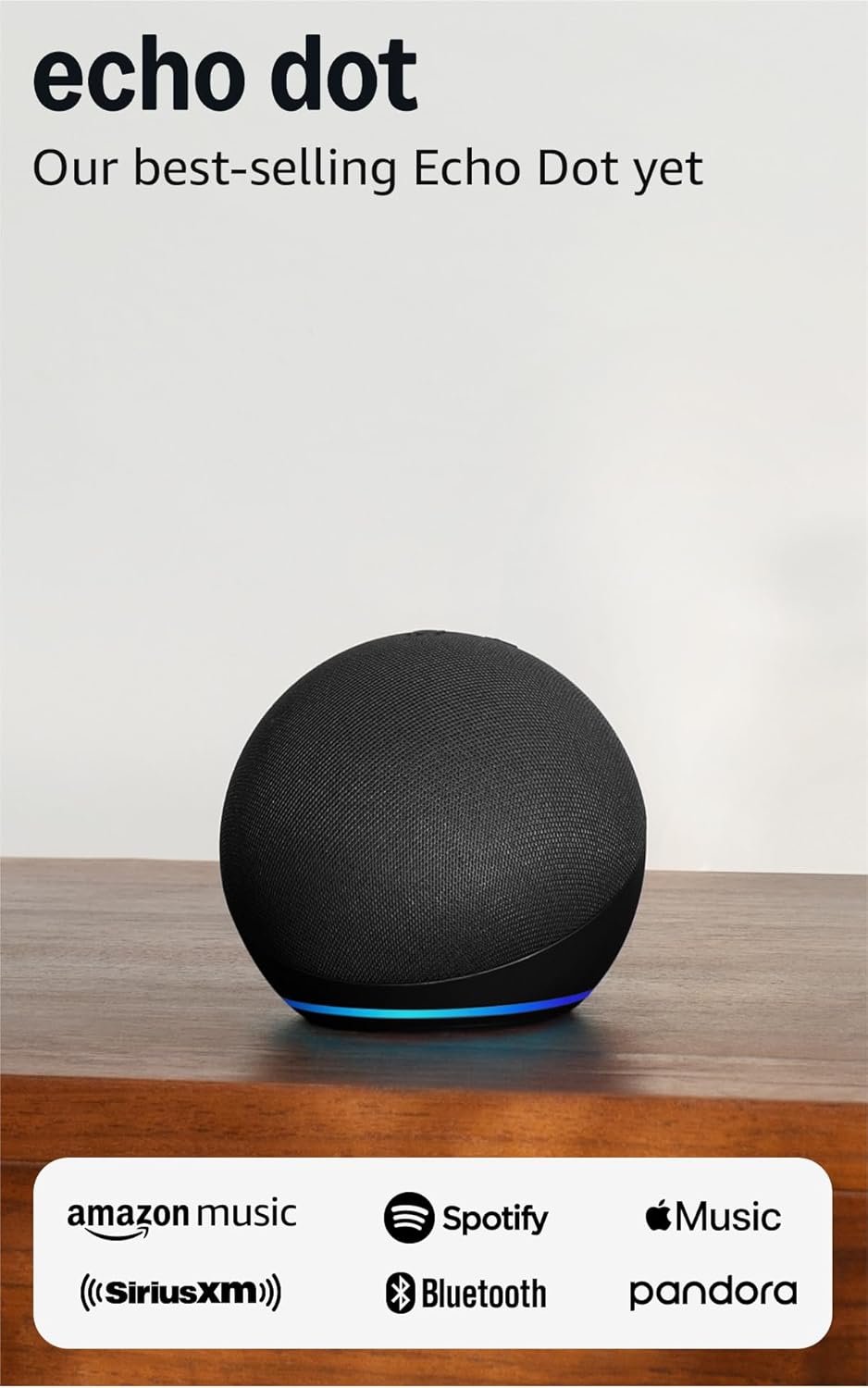
Amazon Echo Dot (5th Gen)
Best for: Simple voice commands on a budget
- Compact size fits anywhere
- Improved speaker with clearer voice responses
- Makes phone calls and sends messages hands-free
- Works with thousands of smart home devices
Why people choose this: "Perfect starter device. Mom uses it for timers, weather, and calling me - nothing complicated."
Worth knowing: No screen for video calls. Consider Echo Show for visual feedback.
Check Price on Amazon As an affiliate, we earn from qualifying purchases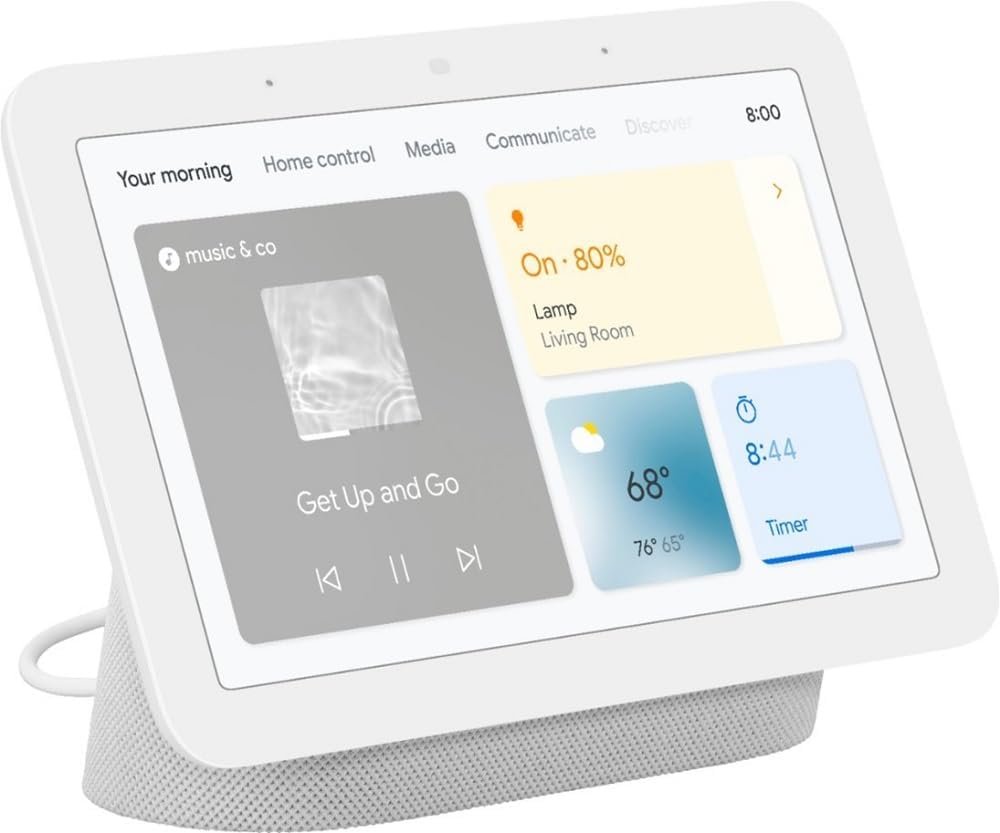
Google Nest Hub (2nd Gen)
Best for: Simple setup and sleep tracking
- 7-inch display ideal for nightstand use
- No camera - enhanced privacy for bedroom
- Sleep tracking using motion sense radar
- Sunrise alarm gradually brightens room
Why people choose this: "Love that there's no camera - feels more private. The sleep tracking helped identify my sleep issues."
Worth knowing: Cannot make video calls (no camera). Audio calls only.
Check Price on Amazon As an affiliate, we earn from qualifying purchasesVoice Assistant Buying Guide
Screen vs. No Screen
Smart displays with screens are better for seniors who want video calling, visual feedback, and photo slideshows. Screen-free speakers like the Echo Dot are simpler and less expensive but rely entirely on voice interaction. For most seniors, we recommend a display for easier use.
Amazon Alexa vs. Google Assistant
Both work well for seniors. Choose Amazon Echo if you shop on Amazon or want the Drop In feature for easy family check-ins. Choose Google Nest if you use Gmail, Google Photos, or prefer Google's search capabilities. Both control most smart home devices.
Setting Up for Seniors
Set up the device yourself before giving it to your parent. Pre-configure contacts, enable simplified mode (on Echo devices), and teach basic commands like "call [name]," "what time is it," and "turn on the lights." Start with 2-3 simple uses and add more over time.
Privacy Considerations
Voice assistants listen for wake words and send recordings to the cloud. You can review and delete recordings in the app settings. For bedroom use, consider the Google Nest Hub (no camera) or use the physical mute button on any device when privacy is needed.